What is CarSmarts?
CarSmarts is a free Safari (desktop and mobile) and Chrome (desktop) browser extension that enhances your car shopping experience on Aussie cars for sale websites. It automatically tracks listing prices, detects changes, and shows you insights that help you negotiate better deals.
Unlike other tools, CarSmarts is powered by crowdsourced data from all users. The more people use it, the smarter it gets.
Crowdsourced Insights
Price Drop Alerts
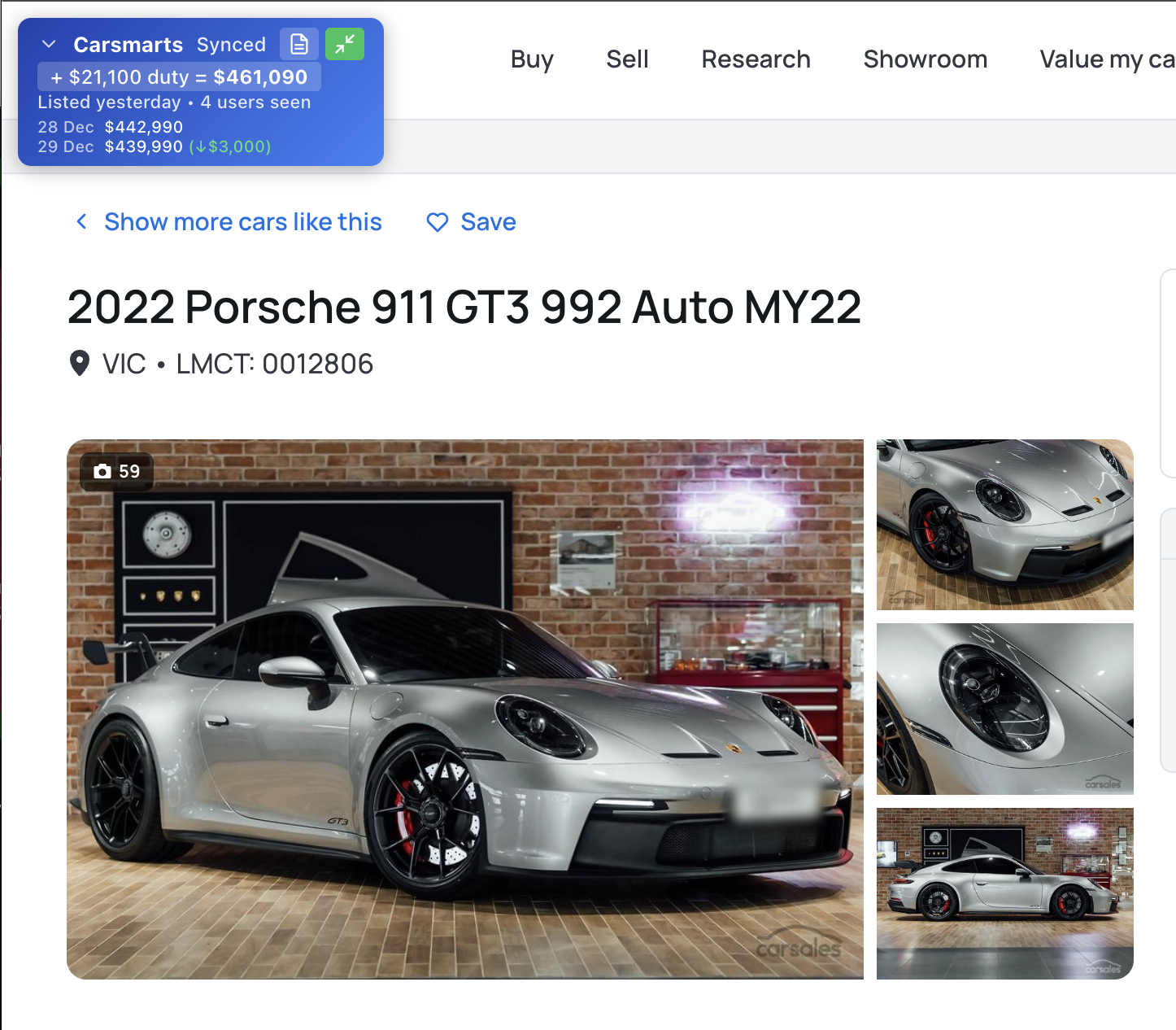
See when a listing's price has dropped since it was first seen. Spot motivated sellers and negotiate from a position of strength.
Listing Age Estimates
Know how long a car has been on the market. Older listings often mean more negotiating room.
Stamp Duty Calculator
Instantly see the true drive-away cost with stamp duty calculated for your state, right on the search results.
Price Change History
With more data and more users, price change history becomes visible even for Dealer listings!
Personal Notes
Add private notes to any listing. Keep track of your thoughts, inspection dates, or negotiation points.
Community Data
Every user contributes to the collective intelligence. More users means better data for everyone.
Feature Screenshots
Always see driveaway price

Plugin control panel

Listing age insights

Highlight price drops

Dealer price drops and dates
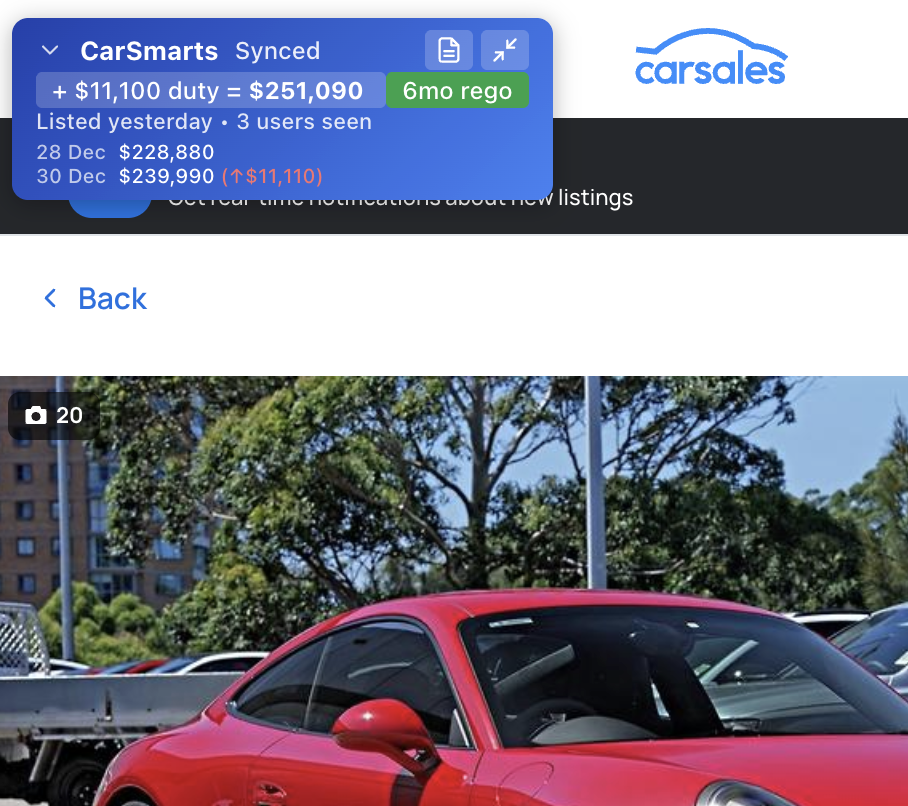
See cheeky price increases
Get Started
CarSmarts is free, open source, and available now on the Chrome Web Store and the App Store. Install it, browse some listings, and you're already contributing to the community data pool. We're actively developing new features and your feedback helps shape what comes next. If you have ideas, find a bug, or just want to say g'day, raise an issue on GitHub.
How to Install (Chrome)
- Visit the Chrome Web Store and click "Add to Chrome"
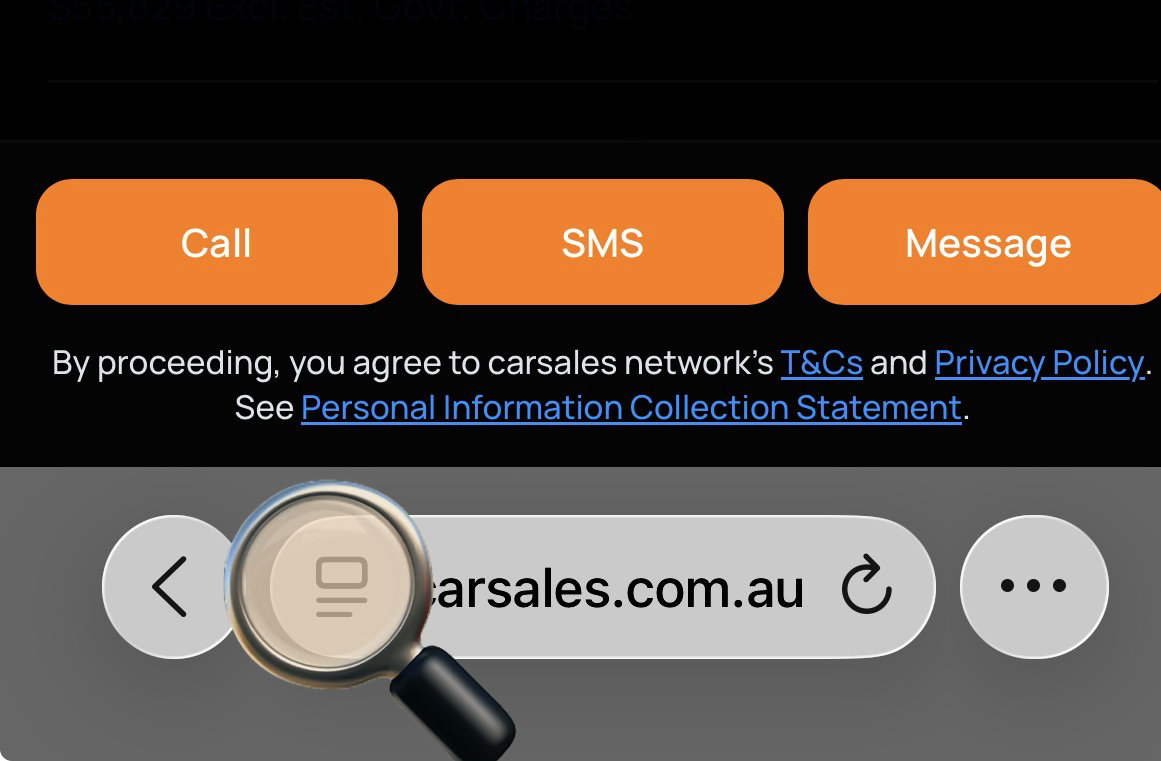
- Click the puzzle piece icon in your browser toolbar to see installed extensions, then click the pin icon next to CarSmarts to keep it visible
- Visit carsales.com.au and start browsing!
Safari (iOS & macOS)
- Download Carsmarts from the App Store on your iPhone, iPad, or Mac
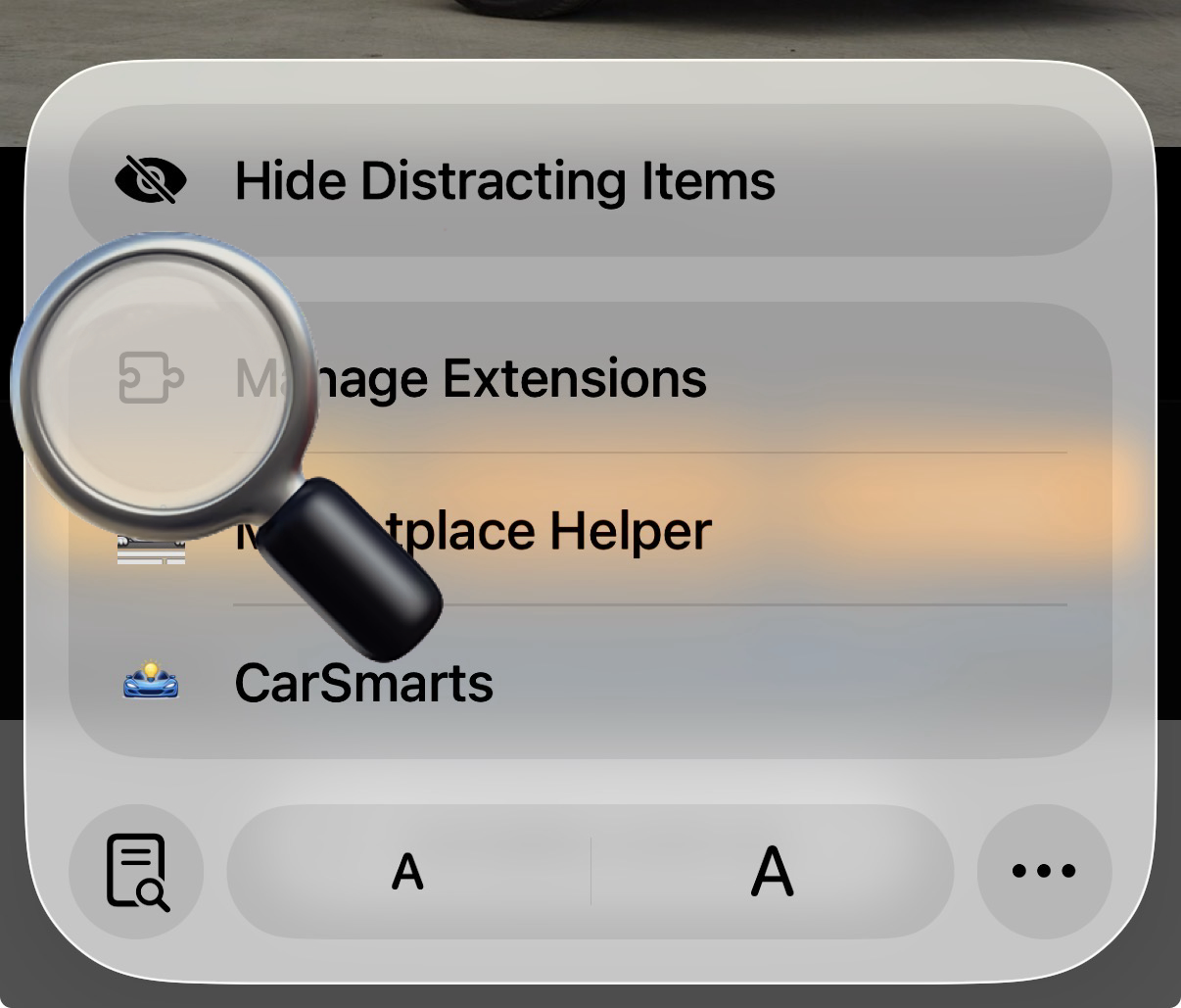
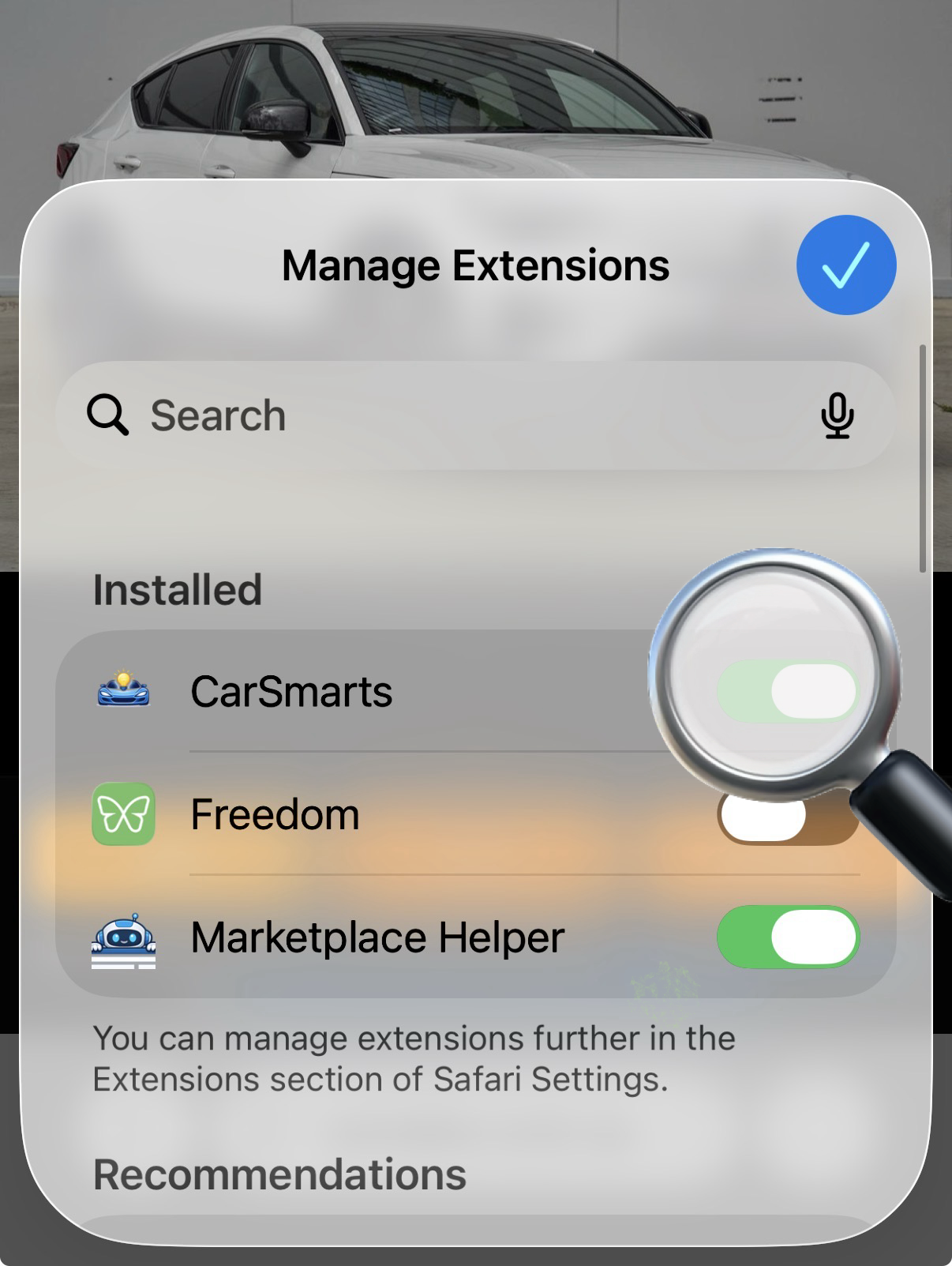
- iOS/iPadOS: Go to Settings > Apps > Safari > Extensions and enable Carsmarts
- macOS: Open Safari > Settings > Extensions and enable Carsmarts
- Visit carsales.com.au in Safari and start browsing!
iOS Extension Setup
Frequently Asked Questions
Is the extension open source?
Yes, the code is available to inspect on GitHub.
What data leaves my browser?
Only public car listing URLs supported by the tool and listed in the extension properties are summarized and sent to the carsmarts.app server. It is not active outside those URLs.
Does this hijack my browser?
The pages you fetch from car listings are inspected, no extra requests are made by the extension.
What personally identifying information is stored?
Your email address, if entered in the extension settings, is only used to count your contributions over time even if the extension is uninstalled and reinstalled. No other user knows what listings you are looking at or taking notes on. Notes are stored locally in your browser and are not sent to the server.
Who is developing this thing anyway?
My name is Justin, I live in Sydney, am a car nut that spends too much time window shopping car listings wondering if the listing is old or new. I also build other websites, and run satellitemap.space. My current daily driver is a 150cc moped.